
Choose Your Product
Select the cap design and fit that suit your style, gift or occasion.
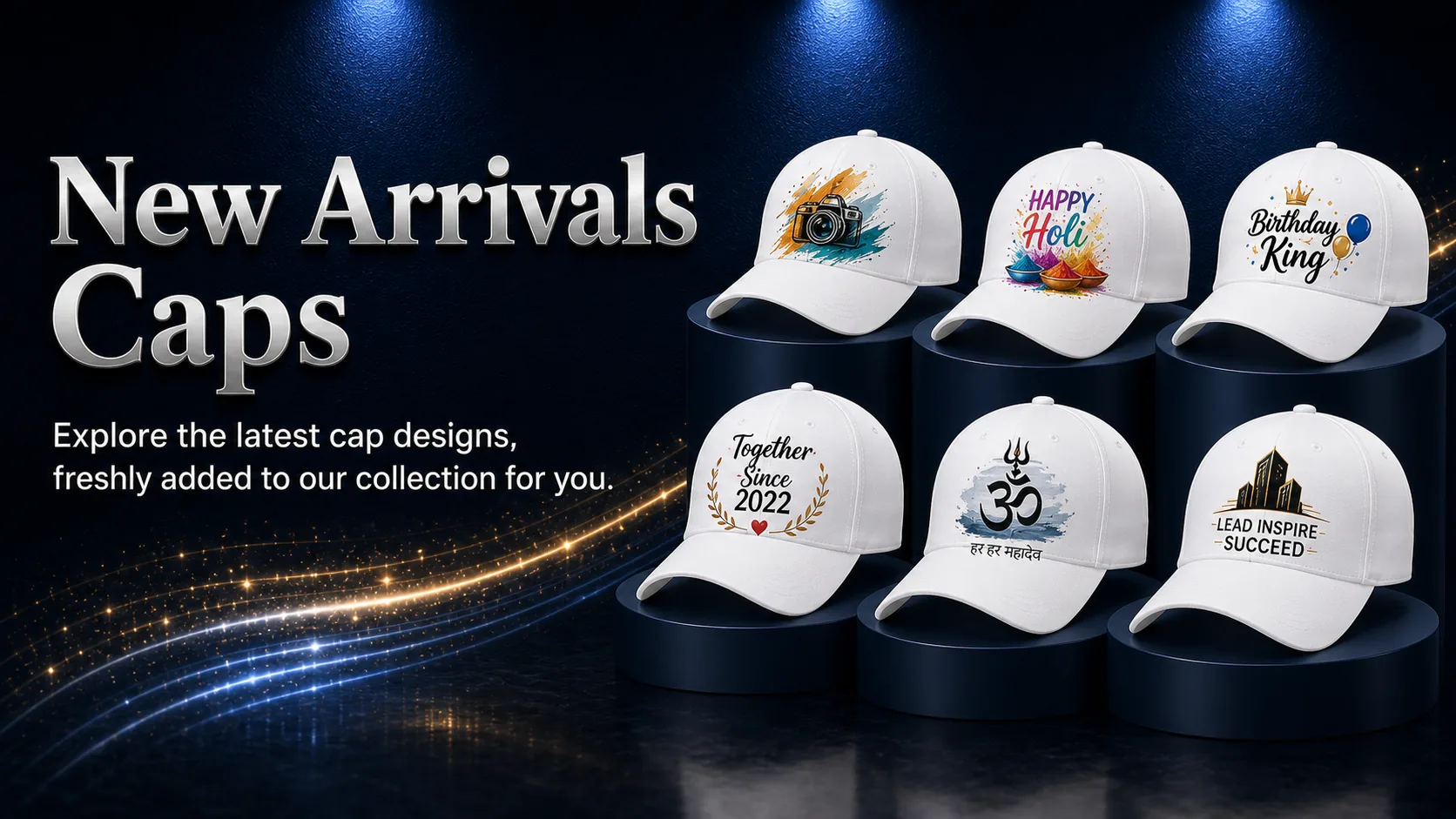
Explore newly introduced cap designs across Designer, Festival, Birthday, Anniversary, Devotional and Corporate collections. Filter by category or browse every new arrival.
Choose an eligible cap and add a photograph, name, logo, date, artwork or personal message before placing your order.
Select the cap design and fit that suit your style, gift or occasion.
Add your photograph, logo, artwork, name, date or personal message.
Review the prepared product preview, confirm the details and proceed securely.
Order newly arrived Caps for employee gifting, client appreciation, events, celebrations, institutions or branded campaigns through one structured quotation journey.
The essentials before choosing a newly arrived cap and placing an order.
New arrivals are recently introduced designs across our cap collections. In WooCommerce, this page can be populated using the Caps category together with a New Arrival product tag or an equivalent sales-based rule.
The page can include qualifying products from Designer, Festival, Birthday, Anniversary, Devotional and Work & Office Caps.
The page can update automatically when products are published with the New Arrival tag in WooCommerce, without manually editing the page.
Yes. Eligible designs can support photographs, names, dates, logos, artwork or short messages. Available options will be shown on the individual product page.
Available cap styles and adjustable-fit details will be shown on the relevant product page, together with the exact material, fit and print specifications.
Yes. Bulk pricing, mixed assortments, branding and packaging options can be quoted based on quantity, artwork, personalisation and delivery requirements.